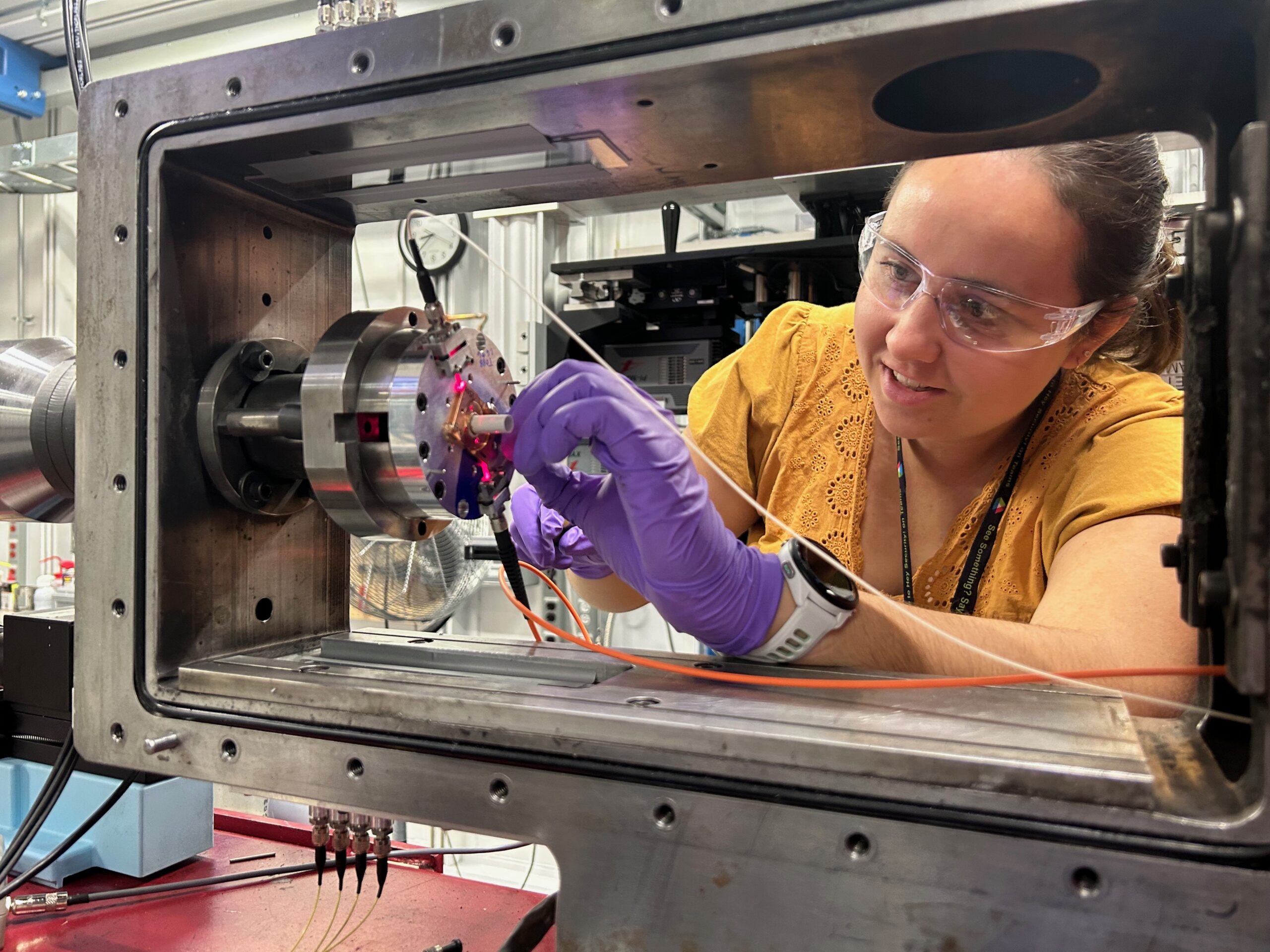
User Actions Timeline for Scheduled Beam Time
In preparation for scheduled experiments
In preparation for scheduled experiments, Users are responsible for meeting the deadlines within the timeline. This ensures any hard deadlines from both the DCS and APS are met in advance, not jeopardizing cancellation of your experiments. The required forms and additional information that DCS users should become familiar with are provided for Impact Facilities Experiments and Laser Shock Experiments, including EXAFS.
| Due 4 Weeks Prior to Start of Experiments | User Action | Owner |
| 1. Register or Renew APS User Registration (if not current)
• Refer to the APS User Checklist
• Need Help? Contact the APS User Office. Phone: 630-252-9090 E-mail: apsuser@aps.anl.gov
| PI/All Users |
2. Submit your ESAF:
1. ALL PIs: Log in to the ESAF System (or via My APS Portal)
2. ALL PIs: Select the first option, “Create New ESAF for Scheduled or Allocated Beam Time”
3. GENERAL USER PI: Select your Proposal
OR
CAT USER PI: On the next screen, Click the link “Create a New No-BTR-Xray ESAF” (In the box at bottom of content)
4. ALL PIs: Complete the ESAF with the required information and “Submit”
• All participants must be listed. For User Type, designate each participant as “Onsite," “Remote,” or "Co-Proposer/Offsite"
• Attach the SDS for any hazardous materials that are listed on the ESAF.
| PI |
3. All training must be current (check the ESAF):
A. Onsite experimenters on ESAF complete DCS Online Sector Orientation (Part 1), if not previously completed in last 2 years, in addition to APS Online Training.
B. Remote experimenters on the ESAF complete the required APS Online Training, including the ESH223 Cyber Security Education and Awareness. | PI/All Users |
4. Send the following to dcs.admin@wsu.edu:
1. DCS Experimental Information Collection Form:
• DCS PCI Impact Experiment Information Form,
• DCS XRD Impact Experiment Information Form,
• DCS Laser Shock Experiment Information Form, or
• DCS EXAFS Experiment Information Form
2. DCS Shot Matrix Form:
• Impact Shot Matrix, or
• Laser Shock Shot Matrix
3. Your APS User Account Cost Code.
• Establish your APS User Account.
• CAT Users contact your Lab POC for assistance.
4. Availability for the Experimental Video Conference Call within the next week. T-Th, 1PM - 4PM Central Time.
| PI |
| Due 3 Weeks Prior to Start of Experiments | User Action | Owner |
| 1. Experimental Planning Video Conference Call:
PI provides availability. DCS will provide the Zoom link via Outlook invite. | PI, Optional: All Users |
2. Review DCS User Guidelines, Capabilities, & X-ray Beam Modes:
Confirm all experimenters on the ESAF have reviewed and understand the User Guidelines and Capabilities for either Laser Shock or Impact Experiments.
• Impact User Guidelines and Capabilities
• Laser Shock User Guidelines and Capabilities
• X-ray Beam Modes | PI |
| Due 2 Weeks Prior to Start of Experiments | User Action | Owner |
| 1. Transporting Materials to the DCS:
• Finalize both inbound and outgoing shipments to/from the DCS.
• Follow the shipping instructions on the DCS website. | PI |
2. Coordinate user arrival with the DCS:
Provide dcs.admin@wsu.edu with arrival time of onsite users. Arrive at the DCS between 8:30AM - 1:00PM Central one day before experiments. | PI |
3. Globus Data transfer software required:
Setup your Globus Endpoint before arriving. This allows you to retrieve experimental data. Globus Instructions
| PI/All Users |
| 1 Day Prior to Experiment Start | User Action | Owner |
| Arrive at ANL and the DCS 1 day prior to experiment start Map/Directions:
1. At the Argonne Welcome Center (AWC), present REAL ID compliant identification and request badge and prox card as an APS user on an approved ESAF (supply ESAF #).
2. Use the badge to enter the ANL Main Gate.
3. Arrive at the APS User Office in Building 401 to activate the prox card and pick up the dosimeter.
4. Arrive at DCS, 438 F001 – Do not attempt to enter labs or stations.
5. Onsite Sector Orientation will be provided to users, if not received in the last 2 years. Arrival information should have been provided to dcs.admin@wsu.edu at least 2 weeks in advance.
6. Post the ESAF with an APS Floor Coordinator.
• Final target/sample prep may begin only after the ESAF is posted.
• Monday-Friday 6:30 AM - 4:00 PM: Proceed to AWC for badge and prox card.
• Weekend or Afterhours: Request a gate pass in the APS User Portal according to APS gate pass request deadlines.
What to Bring:
1. Laptop with Globus data transfer software installed
2. Headphones/earbuds with microphone
3. Personal safety glasses – required to work in DCS labs | Onsite Users |
| Day 1 of Experiments | User Action | Owner |
| 1. Attend Pre-Job Brief
All onsite participants must attend the Pre-Job Brief to confirm safety protocols and initial parameters with the DCS Person In Charge. Attendance for remote users is optional. | PI / All Users |
2. Begin Experiments
Experiments may begins after the Pre-job brief. Log in to Zoom via Outlook event link provided by DCS. | PI / All Users |
| Last Day of Experiments | User Action | User Action |
| 1. Attend Post-Job Brief at the end of experiments.
Brief is led by the DCS Person In Charge. | PI |
2. Outbound shipping from the DCS:
User is responsible for all packing and return shipping, following the DCS Shipping Instructions. | PI |
| Day After Experiments | User Action | User Action |
| By noon of the day after experiments end, Users are expected to complete outbound shipping operations, following DCS Shipping Instructions. | PI |
| 1 Week After Experiments | User Action | User Action |
| Return the DCS User Feedback Form (prompted via DCS email). | PI |
| Publishing Reminder | User Action | Owner |
| The DCS Acknowledgment Statement must be included in manuscripts for the work conducted at the Dynamic Compression Sector and published in journals, books, conference proceedings, or other printed scientific and technical media.
Notify dcs.admin@wsu.edu upon initial publishing date, attaching the accepted manuscript.
| PI/All Users |
These links lead to external websites that are not hosted by the university. The views and content expressed do not represent the official positions of the university.